
Styleguide Overview
This page is created automatically when the app starts and no styleguide page exists.
Use it as a visual QA checklist for core page-builder blocks, typography, imagery, buttons, cards, forms, and collection sections.
The startup seeder is idempotent: it only creates this page when the slug is missing.
Editorial Blocks
Foundational content blocks cover rich text, media, call-to-action sections, code samples, and column layouts.
Content Block
The content block supports rich text columns and common editor formatting.
This example provides enough copy to check type scale, line length, and section spacing.
Second Column
Editors can use columns for short explanations, feature summaries, and landing page introductions.


Call To Action

Plan
Choose the block that fits the content goal.
Columns work well for equal-weight explanations.

Compose
Pair short text with supporting visuals.
Use imagery when it adds meaning or rhythm.

Review
Check mobile, desktop, and editor preview states.
This page gives QA a repeatable visual baseline.
Museum Story
A standard card with a custom link.
Cards can blend image, rich text, footer text, and actions.
Research Entry
A compact card for discovery paths.
Use grids when related actions need equal emphasis.
Contact Path
A card for conversion or support paths.
This checks card alignment across multiple rows and columns.
Feature And Media Blocks
These examples cover features, highlights, galleries, logos, statistics, testimonials, and quotes.
Flexible Editing
Feature cards can explain capabilities without relying on imagery.
Reusable Patterns
Editors can combine focused blocks into longer landing pages.
Visual Review
A seeded page gives QA one place to inspect component states.

A large highlight panel for editorial emphasis.
Highlights pair an image with a strong text card and a single action, useful for campaigns and feature sections.
Historic Places
A slide with a short description.

Public Programs
A second slide for navigation QA.
Collections
A third slide checks looping behavior.
Logo block display

Funding Block
Numbers Block
This styleguide makes it easy to evaluate design details with real content.
Content Editor
Sample Role, Centre County Historical Society
Seeded blocks help developers catch layout regressions before launch.
Developer
Sample Role, 3twenty9
A quote block can pull a short editorial line into focus while preserving generous spacing.
Interactive Blocks
These examples cover process steps, tabs, accordions, FAQs, timelines, pricing, teams, and video embeds.
From Content Model
To Published Page
Tabbed Content
Multiple States
The first tab introduces the component and default active state.
Jordan Lee
Collections Manager
Second sample profile to test card grids and text wrapping.
Video Block
This seeded YouTube example checks video embeds, captions, and responsive aspect ratios.
Collection And Form Blocks
These blocks are safe on fresh installs. Collection sections show empty states until content exists.
Suggested Articles
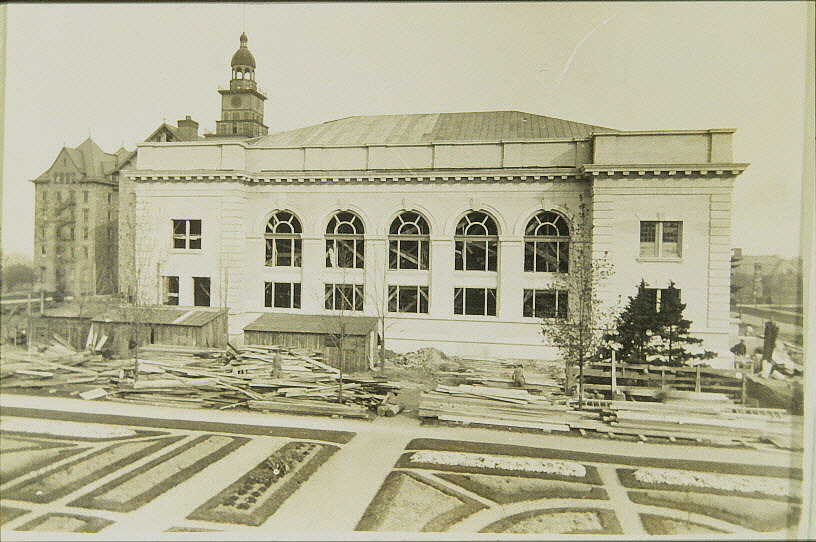

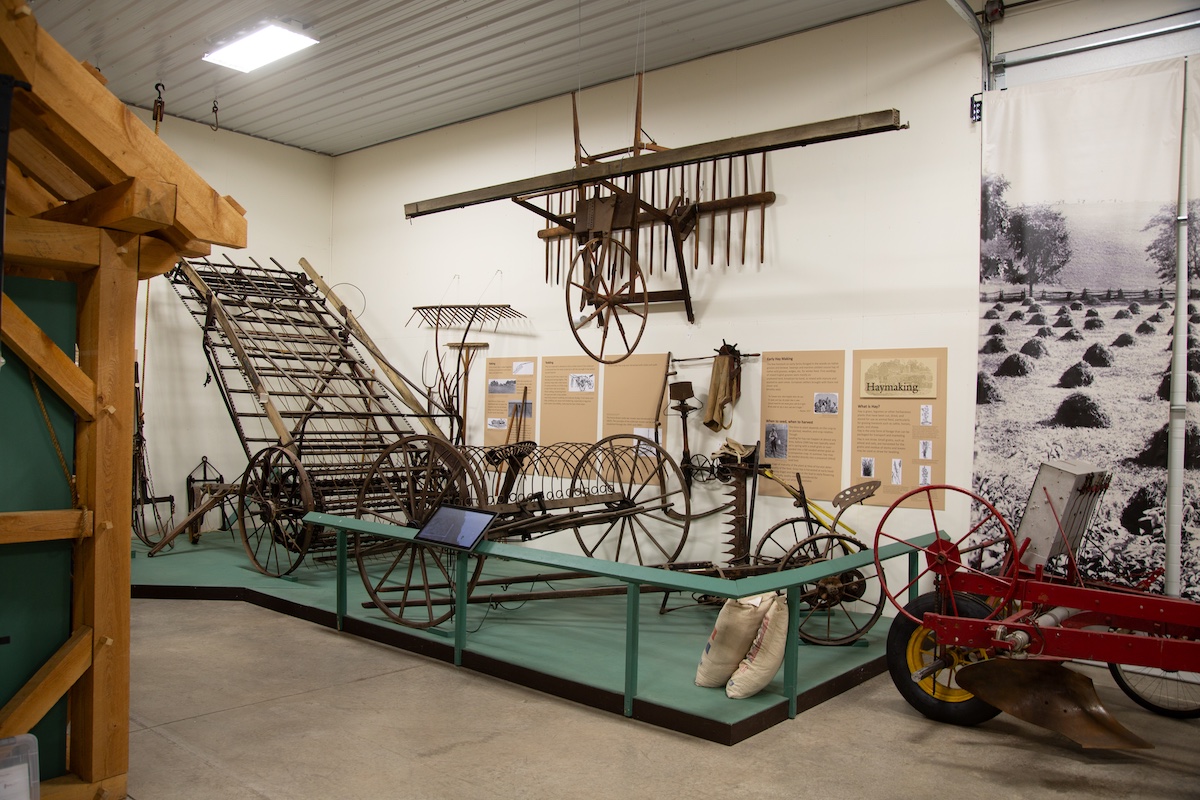
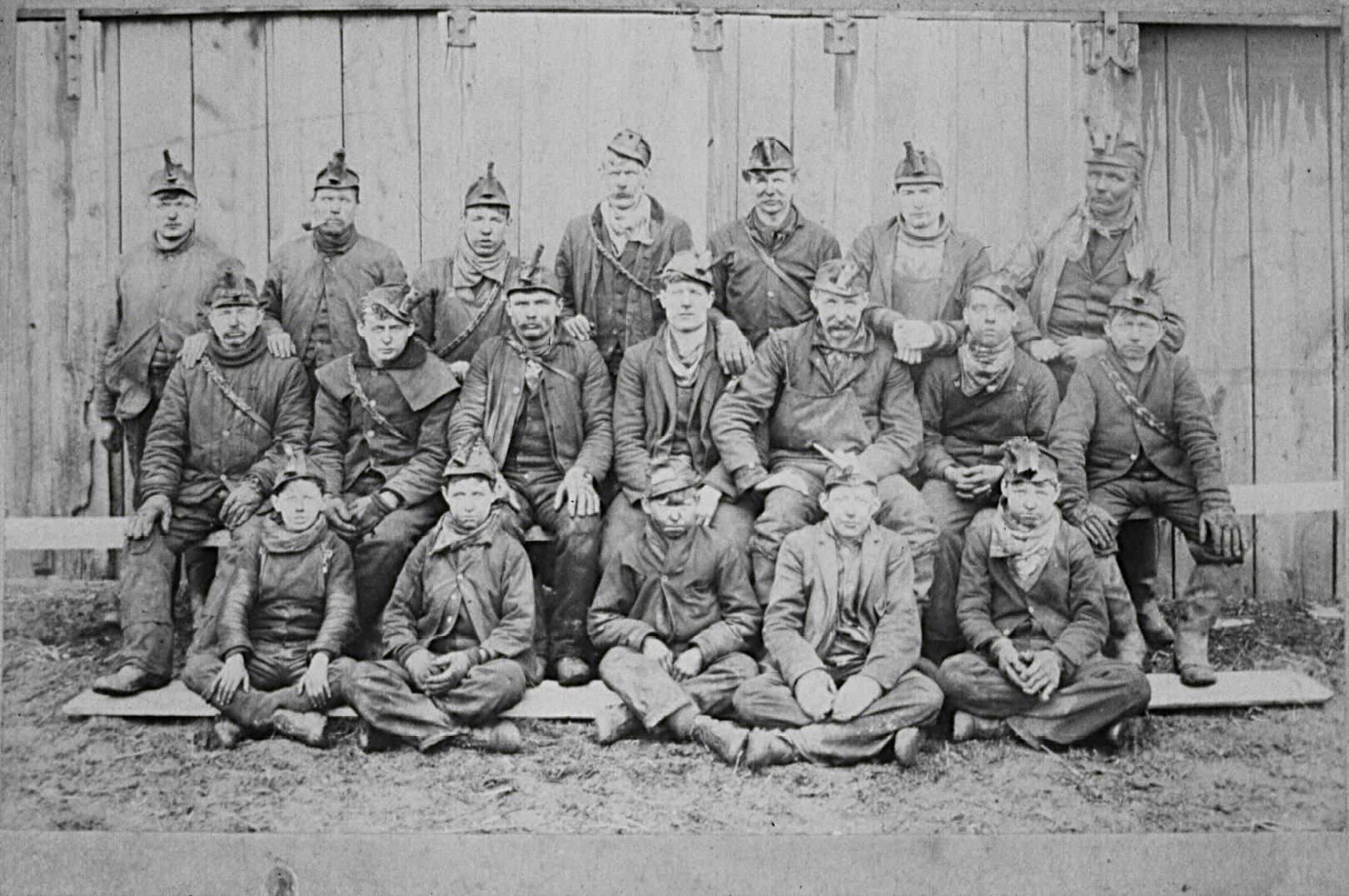

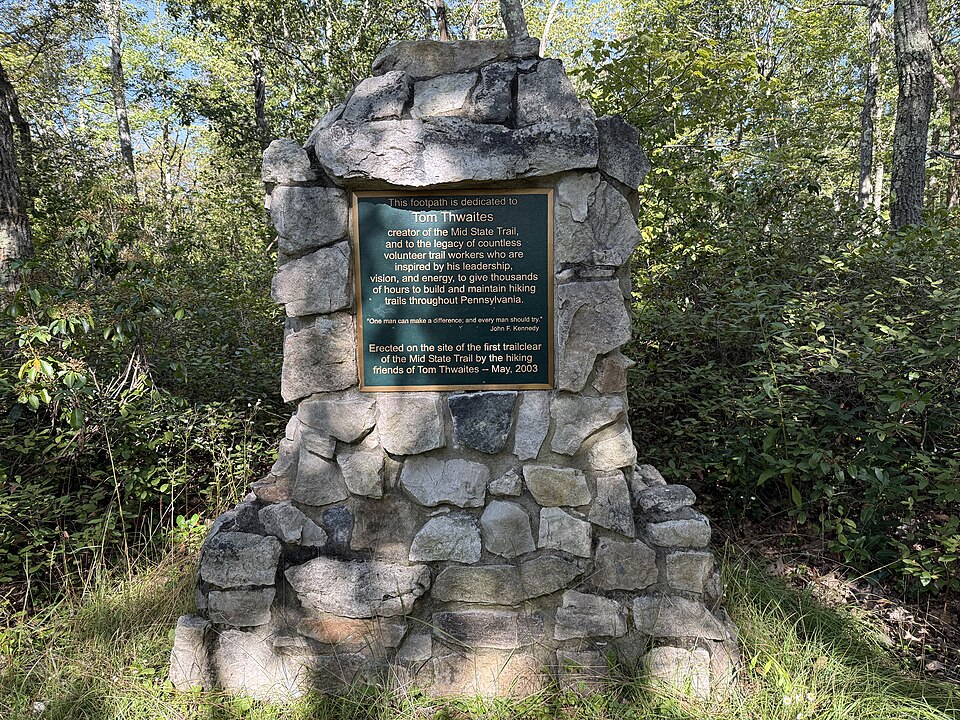
Explore the Encyclopedia
View Articles


Archive Block
The archive block auto-populates recent posts from the posts collection.
Form Block
The default form block demonstrates the contact form inside page content.
1const styleguide = 'created on app init'2console.log(styleguide)
The Garden
One | Two | Three |
|---|---|---|
Val 1 | Val 2 | Val 3 |